
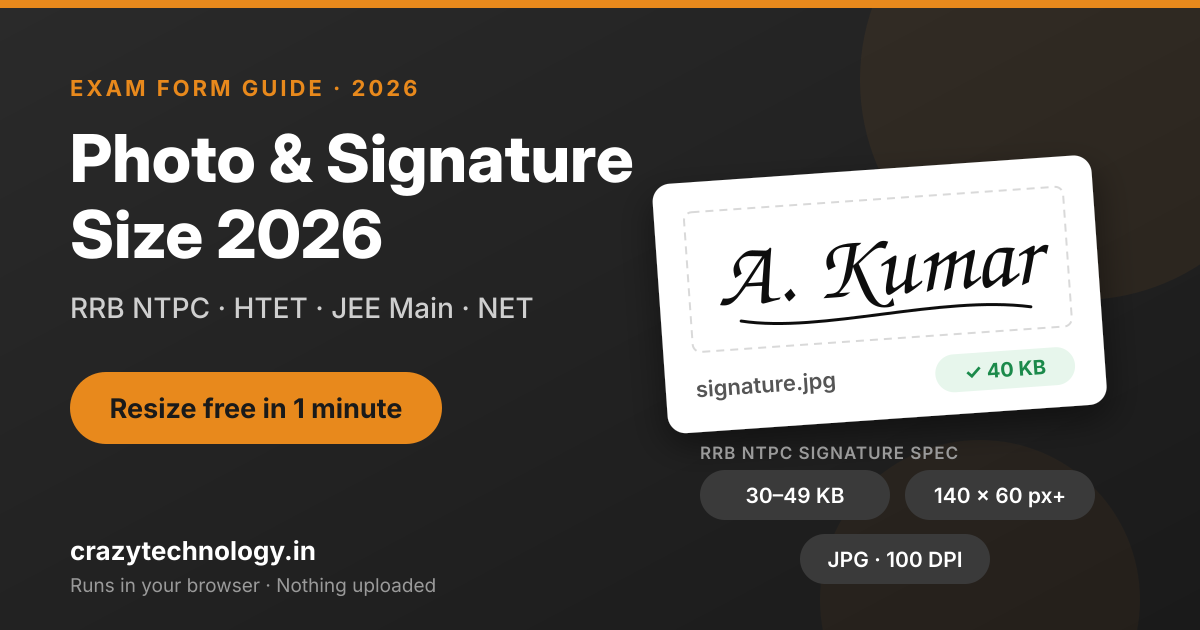
You've filled every field, paid the fee, and then the form says: "Photo size exceeds the limit" or "Invalid signature dimensions." It's one of the most common reasons exam applications get stuck at the last step.
The fix takes about a minute once you know the exact numbers. Below you'll find the official photo and signature requirements for the major forms open right now, including the new live photo rule, and a free way to resize your images to match them. Our Image Compressor runs entirely in your browser, so your photo never gets uploaded to any server.
Always double-check: requirements can change between cycles. We link each exam's official notice below. If our table and the notice ever disagree, follow the notice.
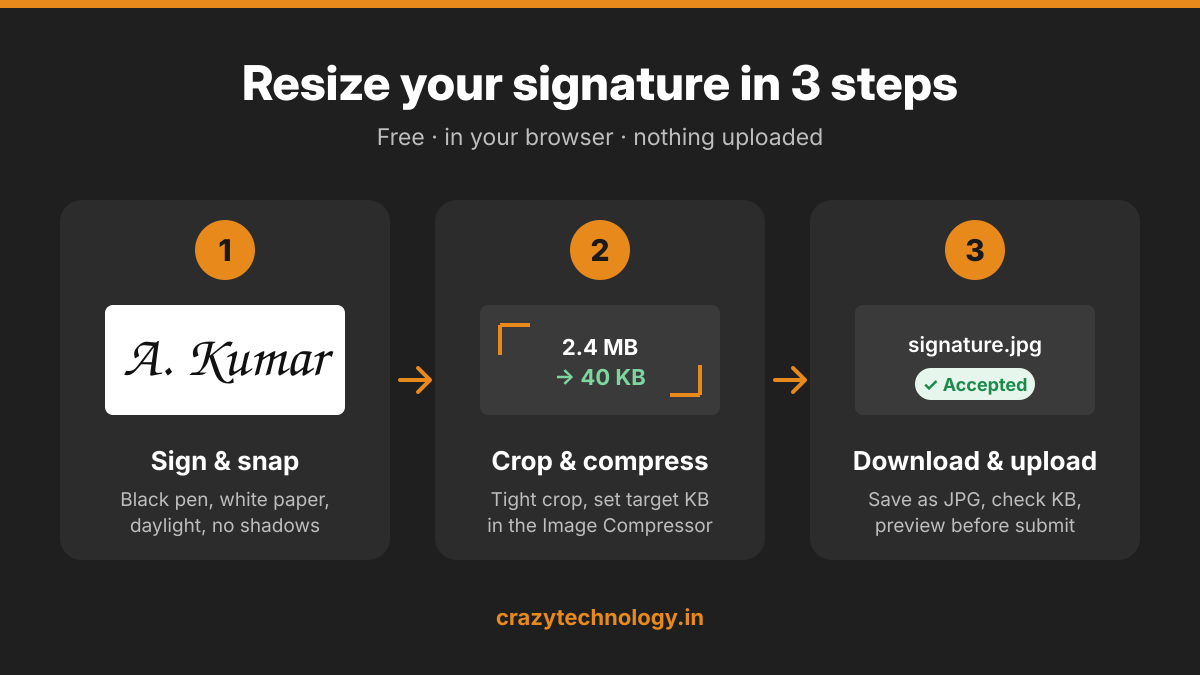
Photo & signature size by exam (2026)
The biggest change this year: many exams now capture your photo live through webcam or phone camera inside the form, so only the signature is uploaded. Here are the current rules.
Exam | Photo | Signature | Format | Status (as of 22 Nov 2026) |
|---|---|---|---|---|
RRB NTPC 2026 (Graduate CEN 06/2026, UG CEN 07/2026) | Live capture in the form | 30–49 KB, min 140 × 60 px, scanned at 100 DPI or more, black ink on white paper | JPG/JPEG | Check rrbapply.gov.in for last date |
HTET 2026 | Check official notice | Check official notice | Check official notice | Form open till 27 Nov; correction 28–29 Nov; exam 26–27 Dec |
JEE Main 2027 (Session 1) | Live capture in the form | Per NTA bulletin | Per NTA bulletin | Late fee till 26 Nov; correction 27–29 Nov |
Joint CSIR-UGC NET Dec 2026 | 10–200 KB | 10–50 KB | JPG/JPEG | Check csirnet.nta.nic.in |
UGC NET Dec 2026 | Live capture; 10–200 KB in bulletin | 10–50 KB | Not specified in bulletin | Applications closed 28 Oct (reference for next cycle) |
No pixel size is set for the UGC NET and CSIR NET photo. If a tool asks you for one, 413 × 531 px (3.5 × 4.5 cm at 300 DPI) is the standard passport size.
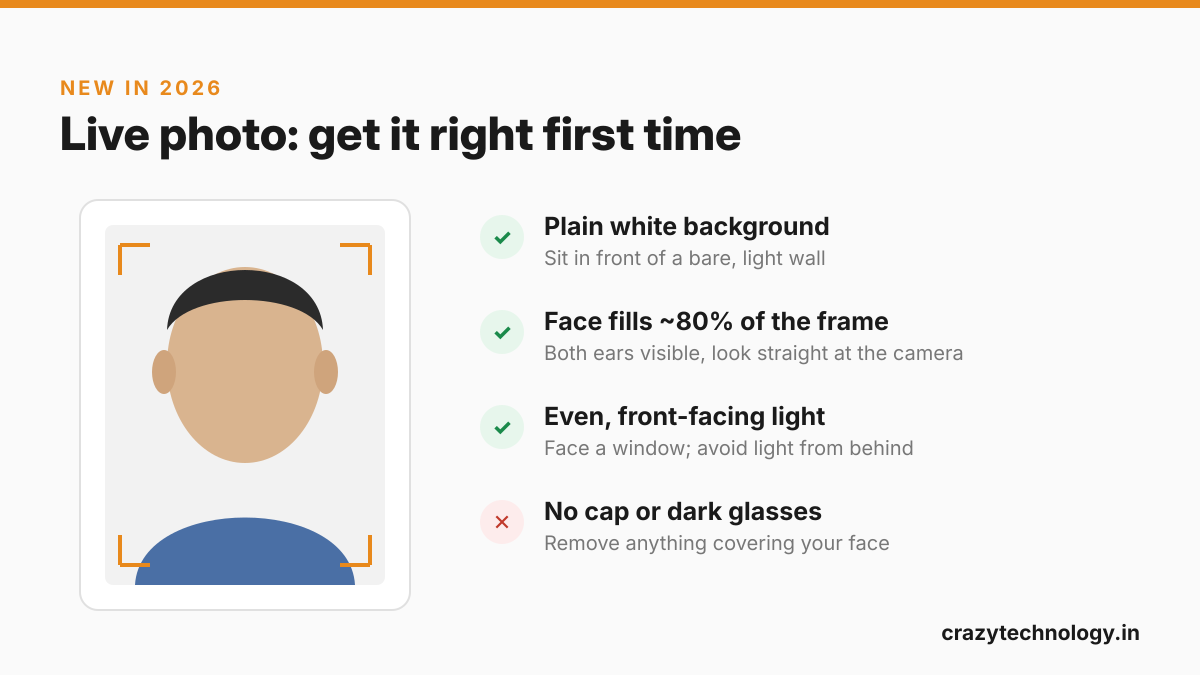
Live photo tips: plain white background, face filling about 80% of the frame with both ears visible, even light, no cap or dark glasses.
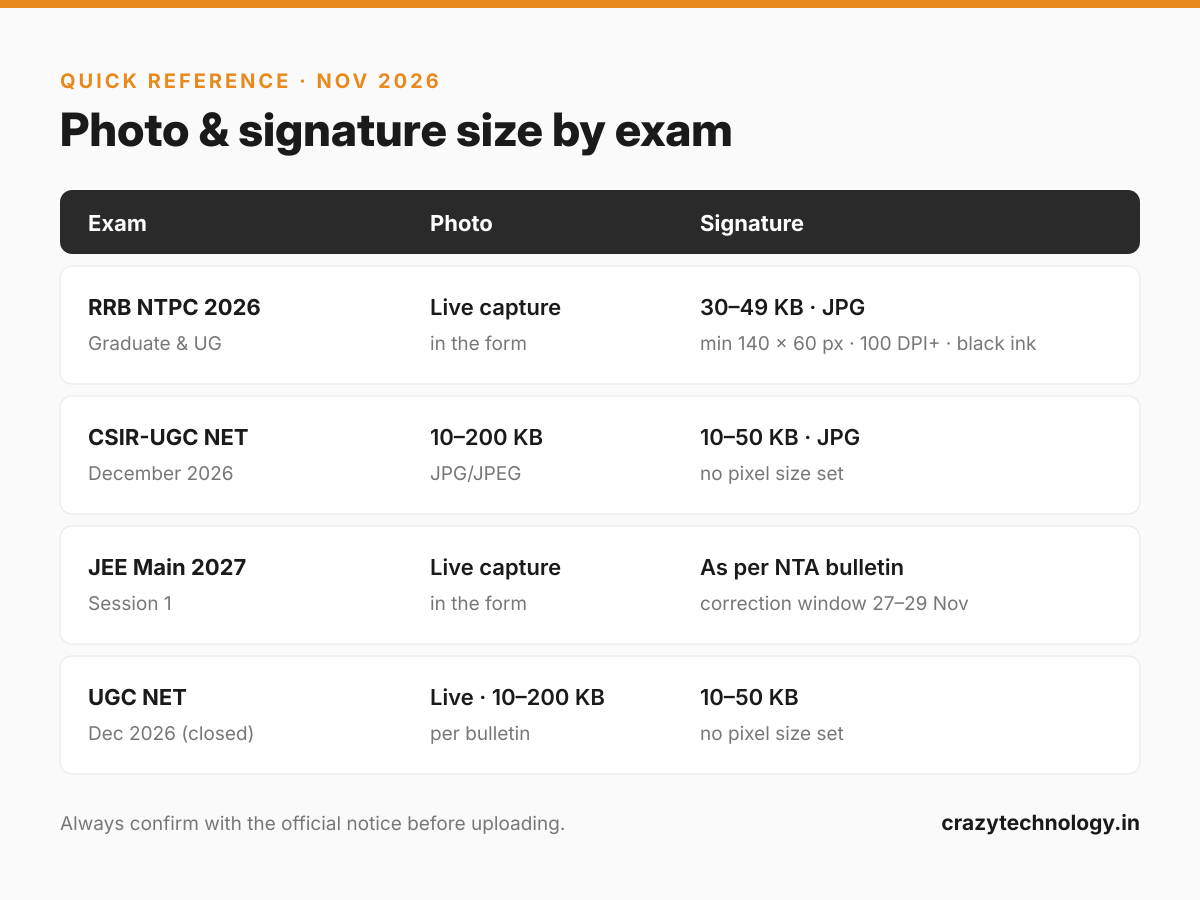
How to resize your signature (or photo) in 1 minute
Add a screenshot under each step.
Sign on plain white paper with a black pen. Keep it inside a small box, about 3.5 cm × 1.5 cm, so it doesn't look squashed later.
Take a photo or scan it in good daylight, holding the phone straight above the paper. Avoid shadows from your hand or phone.
Open the Image Compressor on crazytechnology.in and choose your image. It works in your browser; nothing is uploaded.
Crop tight around the signature, leaving a little white margin on all sides.
Set the target size. For RRB NTPC, aim for about 40 KB so you sit safely inside 30–49 KB, and keep the width at least 140 px and height at least 60 px. For other exams, use the numbers in the table above.
Download as JPG and check the file size before uploading (right-click → Properties on Windows, or Get Info on Mac/phone file manager).
Upload and preview. Use the form's preview before final submission. If the signature looks blurry or cut off, redo step 4 with a larger crop.
File too small? Some forms set a minimum size, like RRB NTPC's 30 KB. If your file comes out under it, increase the quality setting or the pixel size slightly, instead of adding a border.
Upload rejected? Common errors and fixes
Error message (or problem) | Likely cause | Fix |
|---|---|---|
"File size exceeds limit" | Phone photos are often 2–5 MB | Compress to the exam's KB range with the Image Compressor |
"File size is less than minimum" | Over-compressed, or the image is very small | Raise the quality or pixel size slightly and export again |
"Invalid file format" | PNG, HEIC (iPhone) or WEBP uploaded | Export as JPG/JPEG |
"Invalid dimensions" | Width or height below the minimum, e.g. under 140 × 60 px | Resize to at least the minimum pixels |
Signature looks faint or grey | Pencil, blue ink, or poor light | Re-sign in black ink and photograph in daylight |
Live photo keeps failing | Dark room, busy background, face too small | Sit facing a window against a plain wall; fill most of the frame with your face |
Photo rejected after submission | Old photo, cap or dark glasses, face cropped | Use a recent photo; follow the correction window to re-upload |
FAQs
What is the RRB NTPC signature size for 2026? A JPG/JPEG file of 30–49 KB, at least 140 × 60 pixels, scanned at 100 DPI or more, in black ink on white paper.
Do I need to upload a photo for RRB NTPC 2026? No. The photo is captured live through your webcam or phone camera while you fill the form. Only the signature is uploaded.
What is the UGC NET December 2026 signature size? The information bulletin asks for a 10–50 KB file and sets no pixel size. Applications for this cycle closed on 28 October 2026.
How do I reduce my signature to under 50 KB? Open the Image Compressor, crop tight around the signature, set the target size to about 40 KB, and download as JPG.
Is it safe to resize my photo online? On crazytechnology.in, yes: the tool runs entirely in your browser, so your photo and signature are never uploaded to any server.
What if my photo is rejected after I submit the form? Wait for the exam's correction window and re-upload a corrected file. For JEE Main 2027, that window is 27–29 November 2026.